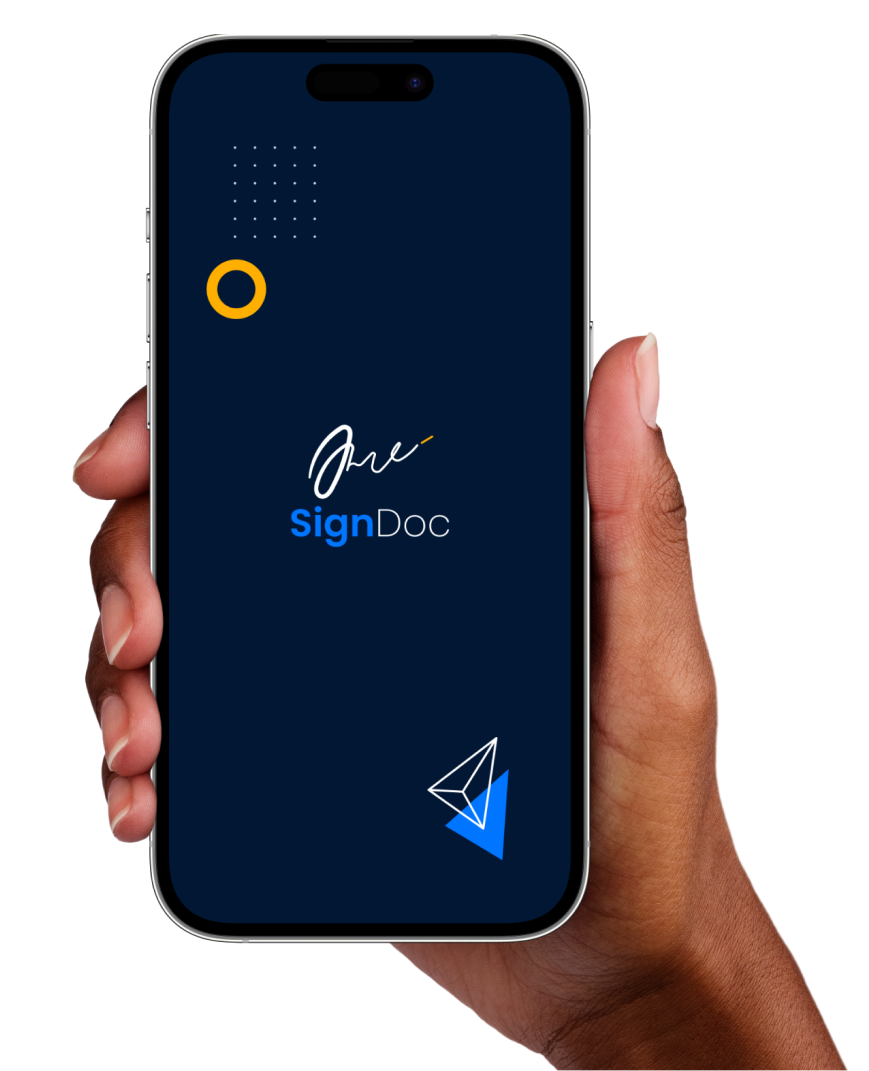
SignDoc
A digital signature, scan and document editing application that makes signing documents, completing forms and filling out applications fast, secure and paperless.
Learn how we shaped SignDoc
We respect our customers and produce products that solve the difficulties they confront on a daily basis. This case study walks through the process we used to create SignDoc, from research to release, and the design choices that made it feel effortless.

Adults with paperwork to sign
Business analysis to launch
This was a filled-to-the-brim project. Hikenseek owned every stage, from business analysis to product launch, taking each step of the creative process end to end.

Conversations first
We began by meeting with our customer and other users to learn what they were looking for, what issues they faced day to day, and how we could help.
Personas and pain points
Our study used in-depth user personas of adults (18+) and surfaced several pain points around signing documents and adding digital signatures to them.
- • Signing documents repeatedly is exhausting for busy people.
- • No easy way to add a stored signature to files on the go.
- • Add signatures, amend documents and attach stored signatures to files.
- • Cross-device availability so signing works wherever the file is.
Wireframes and first drafts
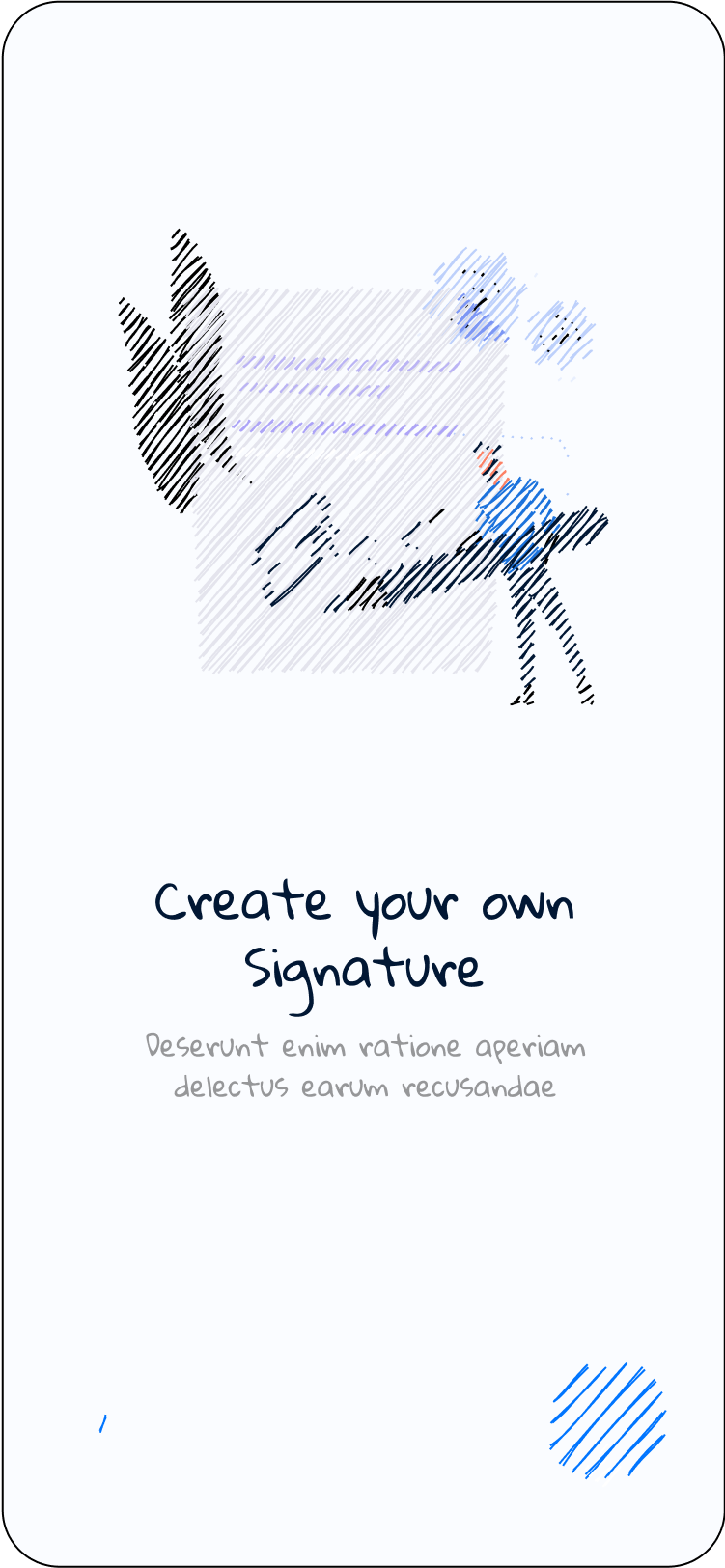
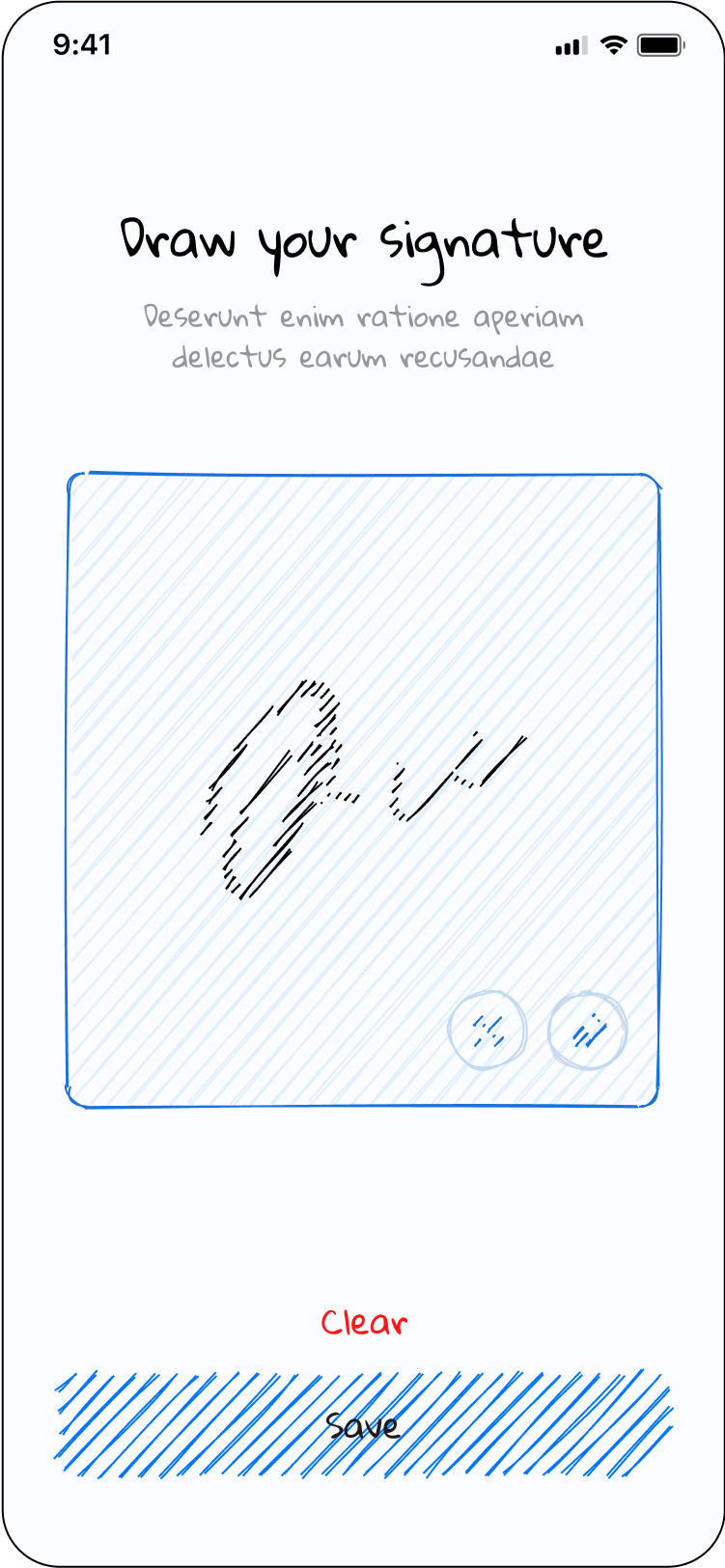
The first move the product design team makes when building a solution-oriented product, high-level frames that lock the flows before any pixel-polish begins.
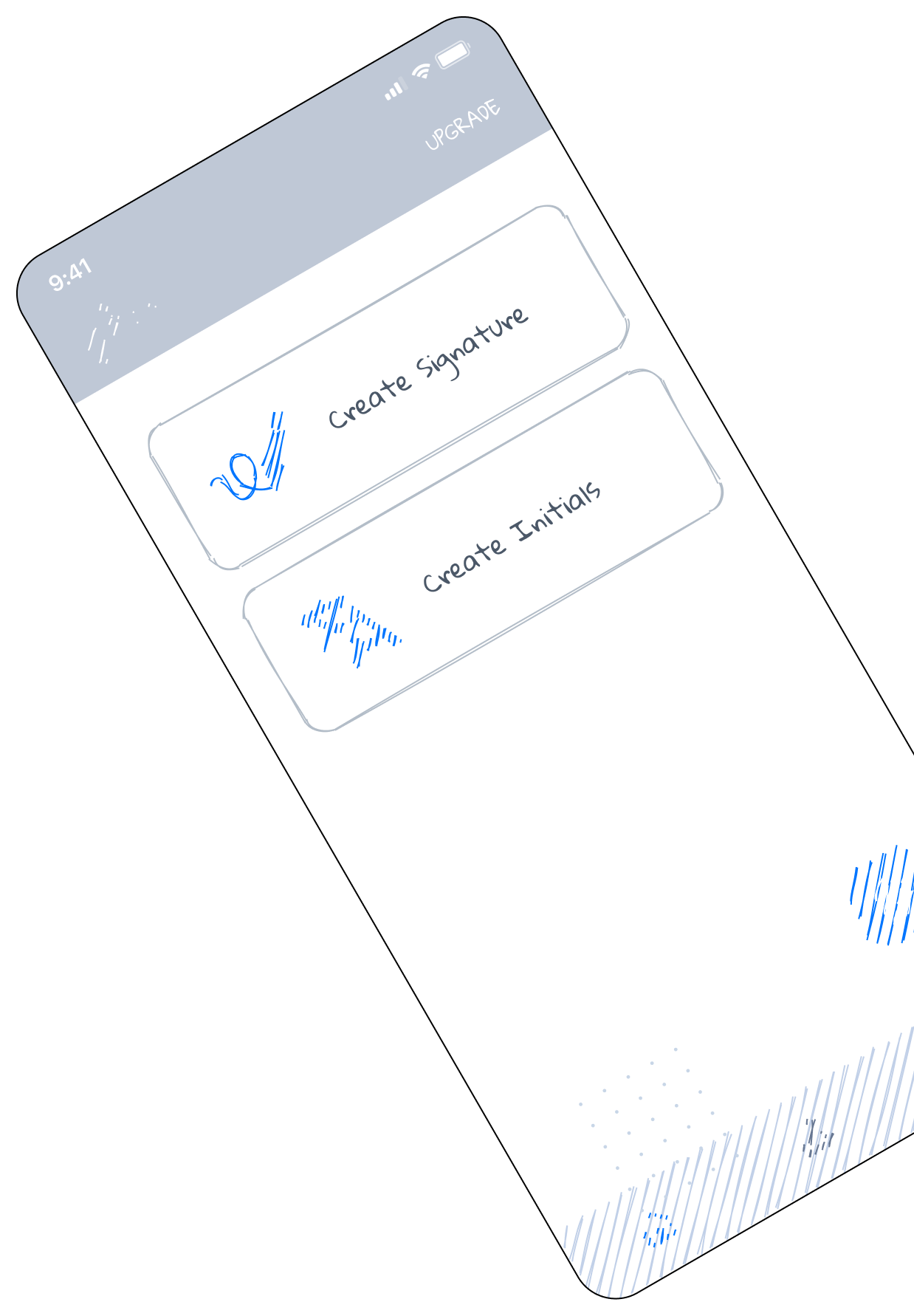
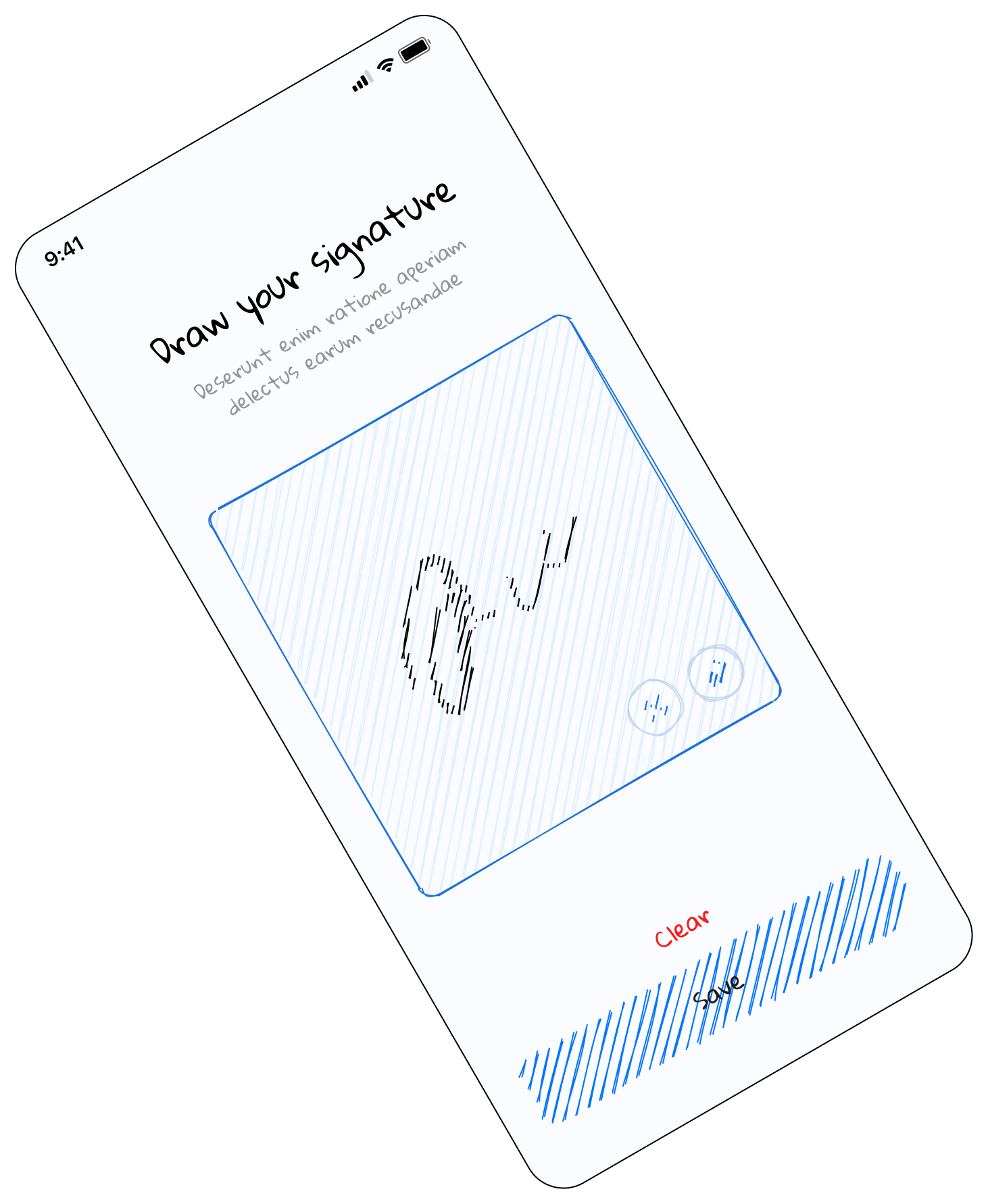
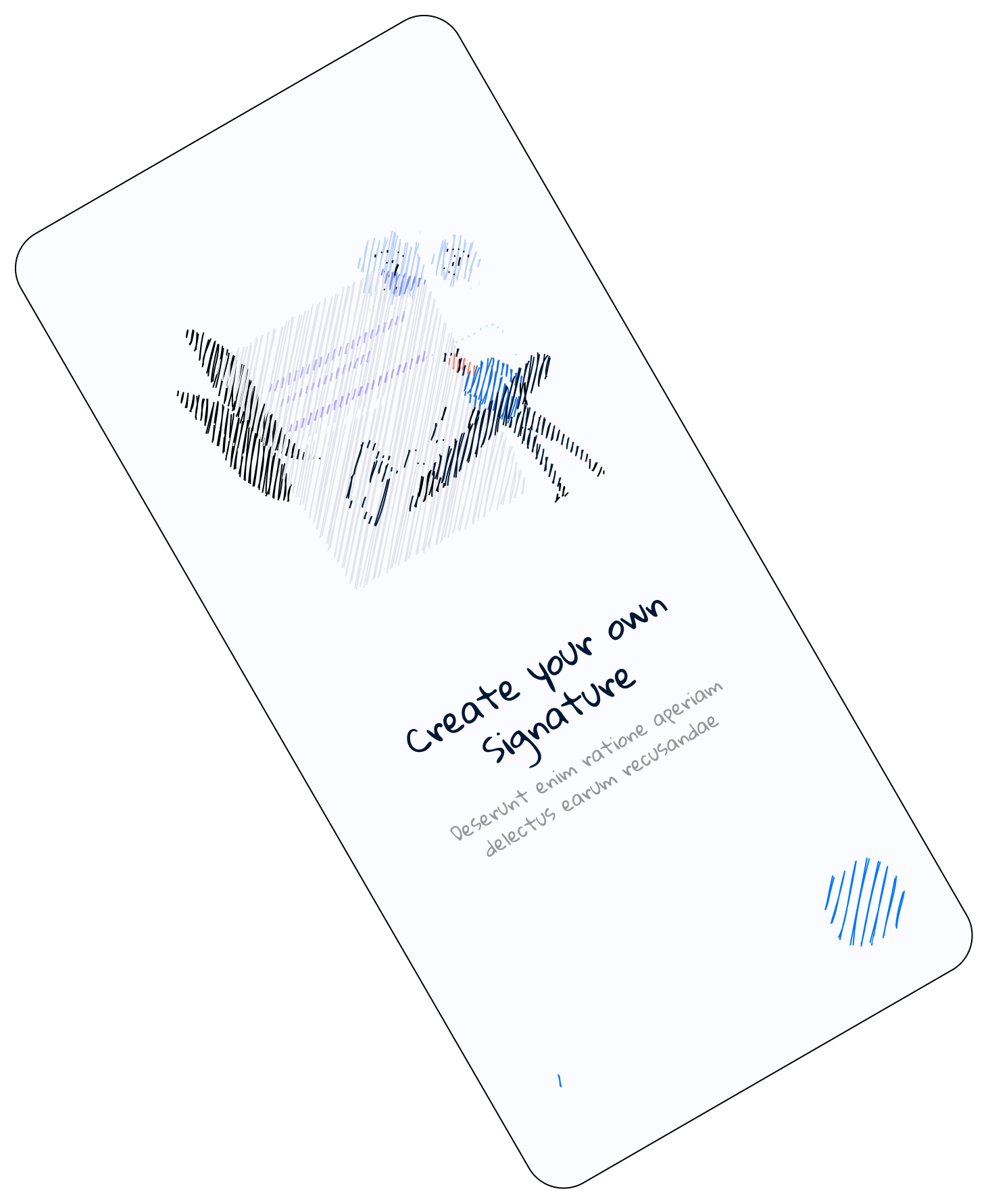
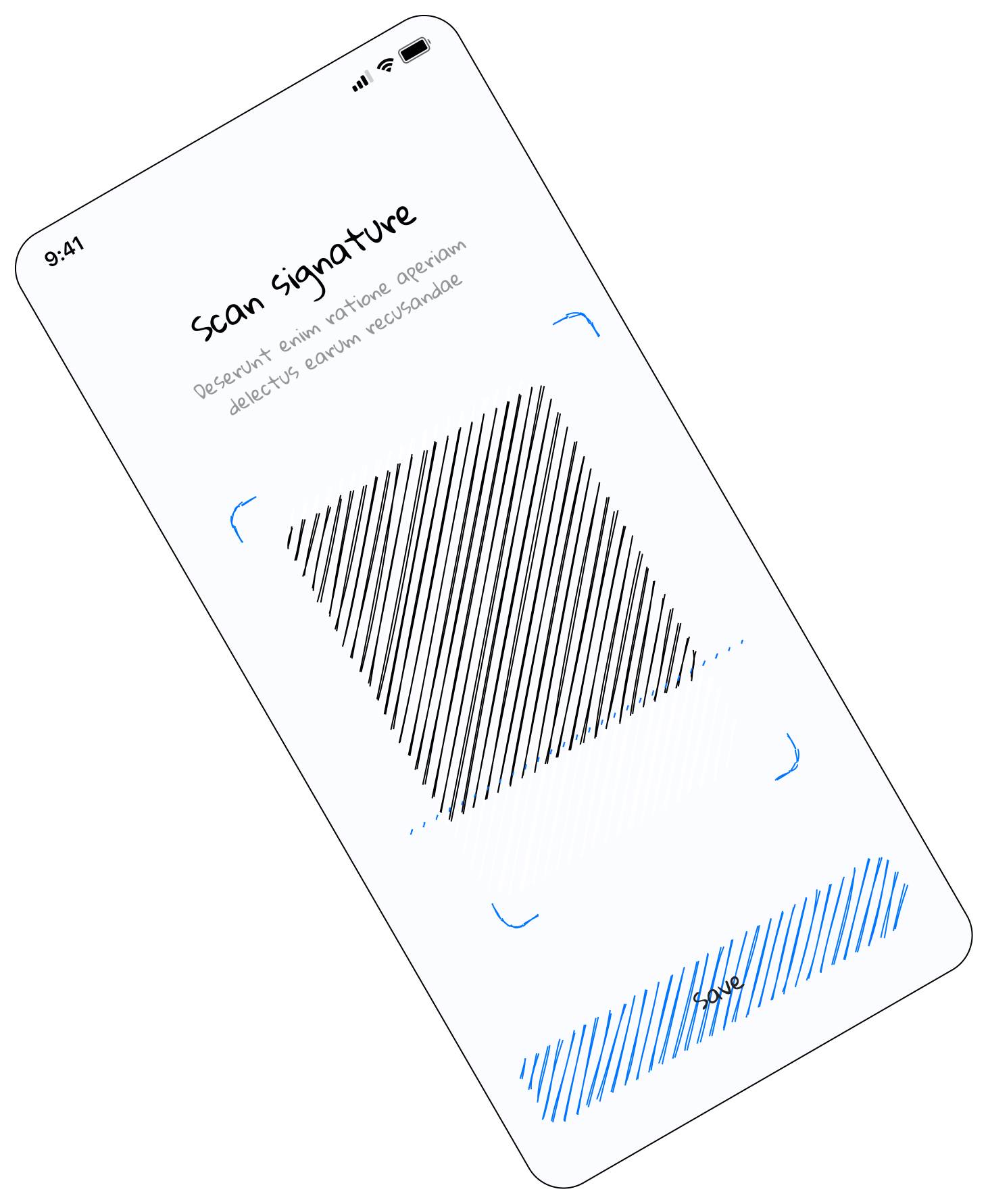
Sign like never before
After wireframes and sketches were approved, we moved into visual design. Digital signature is SignDoc's primary function, incredibly useful and dead simple to use.
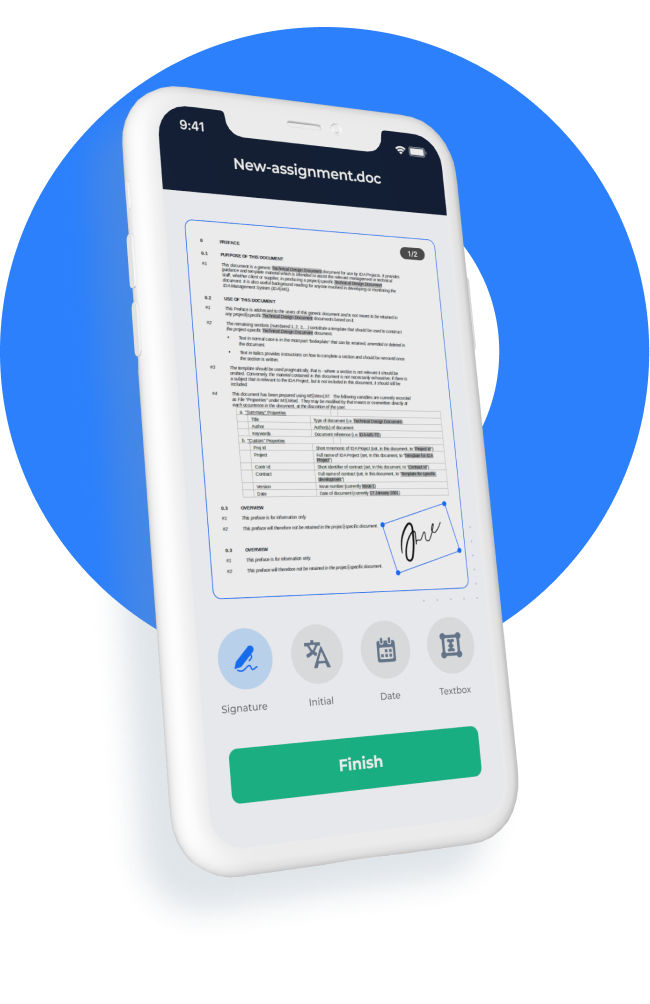
Anytime, anywhere, any device
- ✓Merge a bunch of files into one.
- ✓Scan a signature, draw one, paste one onto the document.
- ✓CTAs at multiple points keep user interest locked in.
- ✓A smooth design with a layout that makes sense to users.
- ✓Works well across all mobile and tablet devices.

Built with modern frameworks
Our team is always ready to deliver the best. We use Agile methodologies and pair fast iteration with solid engineering foundations to make client life easier.
Frameworks used
Augmented Reality, Vision Kit and Machine Learning power the scan, capture and signature intelligence features.
Why we used them
- Adaptive nature that makes deploying changes easier.
- Complex APIs can be developed and deployed seamlessly.
- The stack complements itself, more effective than the alternatives.